
ONE BLOCK for Minecraft
 0.0/5
 Geometry Dash Onward
 Geometry Victory Lap Dash
 Geometry Dash Switch
 Geometry Dash-Plattformer
 Geometry Dash Meltdown 3D
 Weltraumwellen 3D
 Geometrie Dash Wave 3D
 Geometrie-Dash-Dämonen
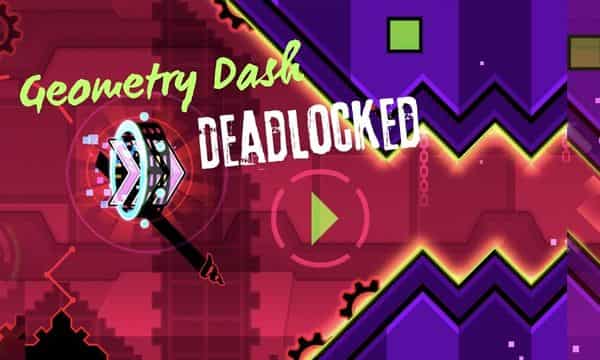 Geometry Dash Deadlocked
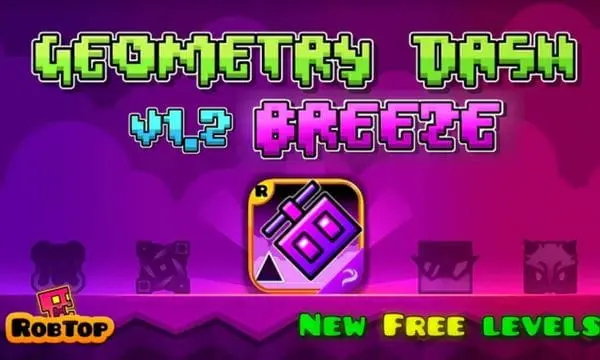 Geometry Dash Breeze
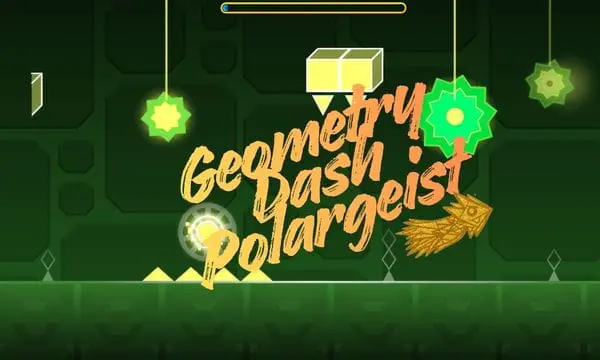 Geometry Dash Polargeist
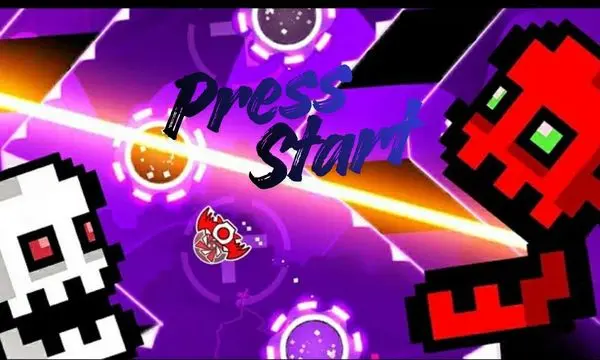 Geometry Dash Drücken Sie Start
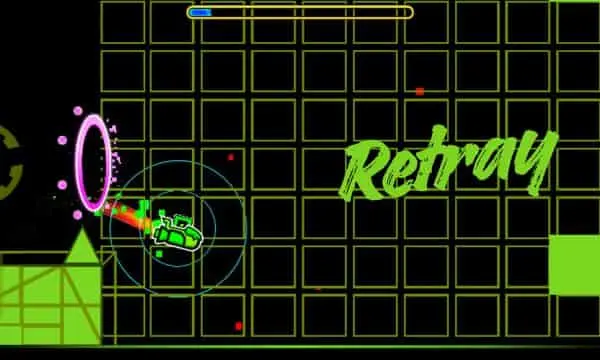 Geometry Dash Retray
 Geometry Dash 8 Bit
 Geometrie Neon Dash Regenbogen
 Unmöglicher Dash
ONE BLOCK for Minecraft is an engaging and challenging craft game that invites players to navigate a precarious platform filled with falling blocks. Your main objective is to maneuver your character skillfully, avoiding the treacherous blocks while simultaneously collecting valuable diamonds scattered throughout the game. As you traverse across the platform, be prepared to jump onto the blocks to avoid falling and losing precious points. The more diamonds you collect, the higher your score will be, pushing you to achieve the best result possible in this exhilarating gameplay.
The thrill of ONE BLOCK lies in its simple yet addictive mechanics, making it perfect for both casual gamers and seasoned players. The combination of reflex-based challenges and the thrill of diamond collection creates an engaging experience that tests your agility and strategies. As you advance in the game, the difficulty ramps up with faster-falling blocks and more challenging routes, providing a continual sense of achievement and excitement. Players must remain vigilant and adapt quickly to the dynamic environment to maintain their momentum and succeed in their quest for the highest score.
How to play free ONE BLOCK for Minecraft game online
To play ONE BLOCK for Minecraft, simply use the arrow keys or on-screen controls to move your character left and right. Jump onto the falling blocks to dodge obstacles and collect diamonds spread across the platform. Keep an eye on your surroundings to strategize your movements, and aim to score as high as possible!
How to play
Simple gameplay with efficient and easy to learn controls
How to Play ONE BLOCK for Minecraft
- Drücken Sie „Play“, um das Spiel direkt in Ihren Browser zu laden.
- Verwenden Sie die im Spiel gezeigten Bildschirm- oder Tastatursteuerungen.
- Konzentrieren Sie sich auf das Timing, vermeiden Sie Gefahren und wiederholen Sie Levels, um Ihre Punktzahl zu verbessern.
ONE BLOCK for Minecraft FAQ
Can I play ONE BLOCK for Minecraft for free?
Ja. Sie können es kostenlos in einem Webbrowser spielen, ohne eine App herunterladen zu müssen.
Muss ich etwas installieren?
Es ist keine Installation erforderlich. Klicken Sie auf „Spielen“ und das Spiel wird auf der Seite geladen.
0 Kommentare
Noch keine Kommentare.