
Jeremy Quest
 0.0/5
 Geometry Dash Onward
 Geometry Victory Lap Dash
 Geometry Dash Switch
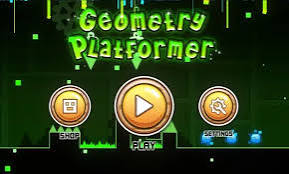 Plateforme Geometry Dash
 Fusion de la géométrie 3D
 Vagues spatiales 3D
 Géométrie Dash Wave 3D
 Démons de la géométrie
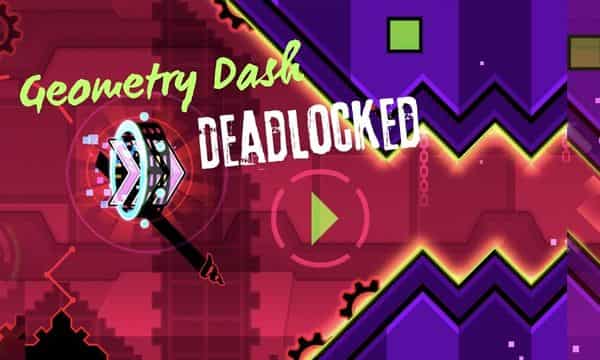 Geometry Dash Deadlocked
 Geometry Dash Breeze
 Geometry Dash Polargeist
 Géométrie Dash Appuyez sur Démarrer
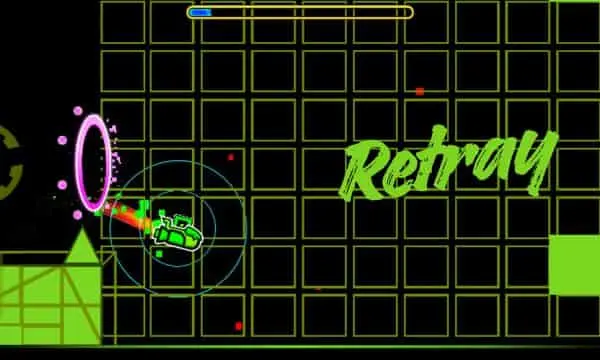 Geometry Dash Retray
 Géométrie Dash 8 bits
 Géométrie Neon Dash Arc-en-ciel
 Course impossible
Jeremy Quest is an exciting 2D platformer that combines charm with challenging gameplay. Embark on a thrilling adventure where your primary objective is to collect all the red gems scattered throughout each level. As you traverse the vibrant landscapes, be on guard for lurking monsters, perilous fire traps, and sharp spikes that threaten to impede your progress. Your ultimate goal is to navigate through the level and reach the green flag, signaling your success and allowing you to advance to the next exciting stage.
The game features a total of 8 meticulously designed levels, each presenting unique challenges and obstacles that escalate in difficulty as you progress. With each new level, the stakes grow higher, demanding quicker reflexes and strategic planning to ensure you gather every gem while evading dangers. Will you rise to the challenge and complete all levels?
Get ready to immerse yourself in the colorful and perilous world of Jeremy Quest, where your platforming skills will be put to the test. It's a captivating experience that appeals to players of all ages, offering endless fun as you race against time and dodge threats in your quest for gems!
How to play free Jeremy Quest game online
To play Jeremy Quest, use the arrow keys to move your character left or right and jump. Collect all the red gems while steering clear of enemies and hazards. Once you've gathered all gems, make your way to the green flag to complete the level. Enjoy your gaming adventure!
How to play
Use WASD or Arrow keys for the player s movement Use W or Up arrow key twice for double jump
How to Play Jeremy Quest
- Appuyez sur Play pour charger le jeu directement dans votre navigateur.
- Utilisez les commandes à l'écran ou les commandes du clavier affichées dans le jeu.
- Restez concentré sur le timing, évitez les dangers et rejouez les niveaux pour améliorer votre score.
Jeremy Quest FAQ
Can I play Jeremy Quest for free?
Oui. Vous pouvez y jouer gratuitement dans un navigateur Web sans télécharger d'application.
Dois-je installer quelque chose ?
Aucune installation n'est requise. Cliquez sur Jouer et le jeu se charge sur la page.
0 Commentaires
Pas encore de commentaires.