
Roblox Coloring Game
 0.0/5
 Geometry Dash Onward
 Geometry Victory Lap Dash
 Geometry Dash Switch
 Geometry Dash-platformgame
 Geometrie Dash Meltdown 3D
 Ruimtegolven 3D
 Geometrie Dash Wave 3D
 Geometrie Dash-demonen
 Geometry Dash Deadlocked
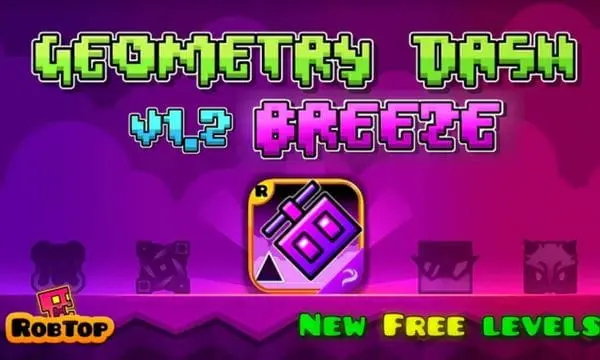 Geometry Dash Breeze
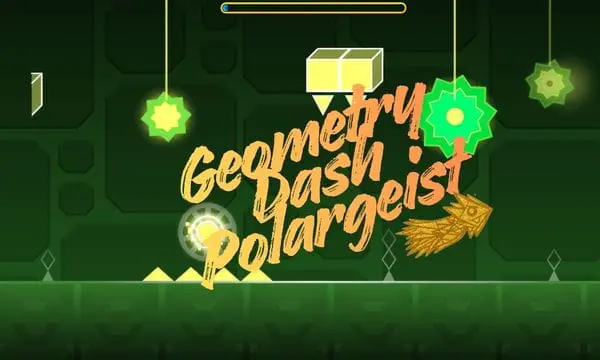 Geometry Dash Polargeist
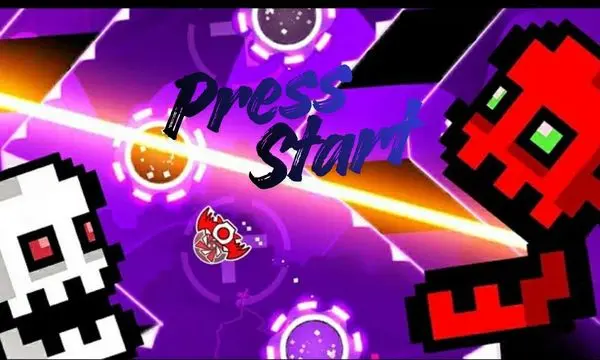 Geometry Dash Druk op Start
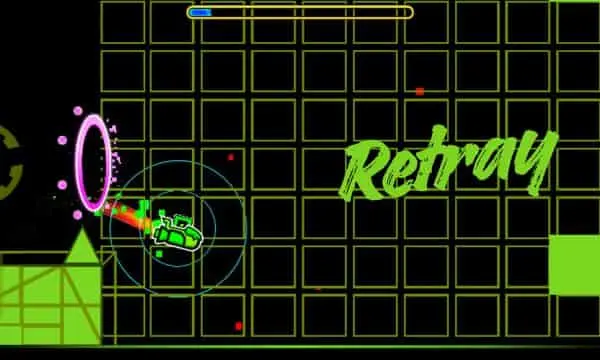 Geometry Dash Retray
 Geometriestreepje 8 bit
 Geometrie Neon Dash Rainbow
 Onmogelijke Dash
The Roblox Coloring Game has taken the gaming community by storm, captivating players of all ages. If you're a fan of both the engaging world of Roblox and the creative outlet of coloring games, then this is the perfect match for you. The game boasts a selection of 12 diverse coloring pages, each designed to spark your imagination and allow for personal expression.
Players can immerse themselves in three unique drawing modes that cater to different styles of play. Whether you prefer to meticulously color in the designs, create bold outlines for each image, or ignite a burst of creativity with fireworks, there's something for everyone. The extensive library of hundreds of stickers enables you to personalize your pages even further, ensuring that you can showcase your favorite patterns and styles.
With intuitive controls and vibrant visuals, the Roblox Coloring Game provides an enjoyable experience for both casual gamers and avid artists alike. You can easily switch between modes, explore all available stickers, and find the designs that resonate most with you. The game is not only about coloring; it s an adventure of creativity and fun. Dive into this delightful world and let your artistic abilities flourish as you spend countless hours indulging in your passion for coloring.
How to play free Roblox Coloring Game game online
To play the Roblox Coloring Game, simply enter the game lobby and select a coloring page that interests you. Choose your preferred mode color, outline, or fireworks. Use the tools on the screen to apply colors or add stickers to your artwork. When finished, you can save your creation or share it with friends!
How to play
On PC Mouse click or drag to play On Mobile Finger clicks or drag to play
How to Play Roblox Coloring Game
- Druk op Play om het spel rechtstreeks in uw browser te laden.
- Gebruik de bedieningselementen op het scherm of het toetsenbord die in het spel worden weergegeven.
- Blijf gefocust op timing, vermijd gevaren en speel niveaus opnieuw om je score te verbeteren.
Roblox Coloring Game FAQ
Can I play Roblox Coloring Game for free?
Ja. Je kunt het gratis in een webbrowser spelen zonder een app te downloaden.
Moet ik iets installeren?
Er is geen installatie vereist. Klik op Spelen en het spel wordt op de pagina geladen.
0 Opmerkingen
Nog geen opmerkingen.